
Click for U. S. A. HomeU. S. A. Header

Applying for Readmission

STEP 1

Applying for Readmission

Former students previously enrolled at the University of South Alabama, who have failed to attend USA for one term, are required to apply for readmission.

Readmission is not required for students enrolled Spring Semester but not Summer Term.
Exception: Transient students need to complete a readmission application and submit a transient approval for each term.

Applications are available online or in the Registrar’s Office. There is no fee for readmission.

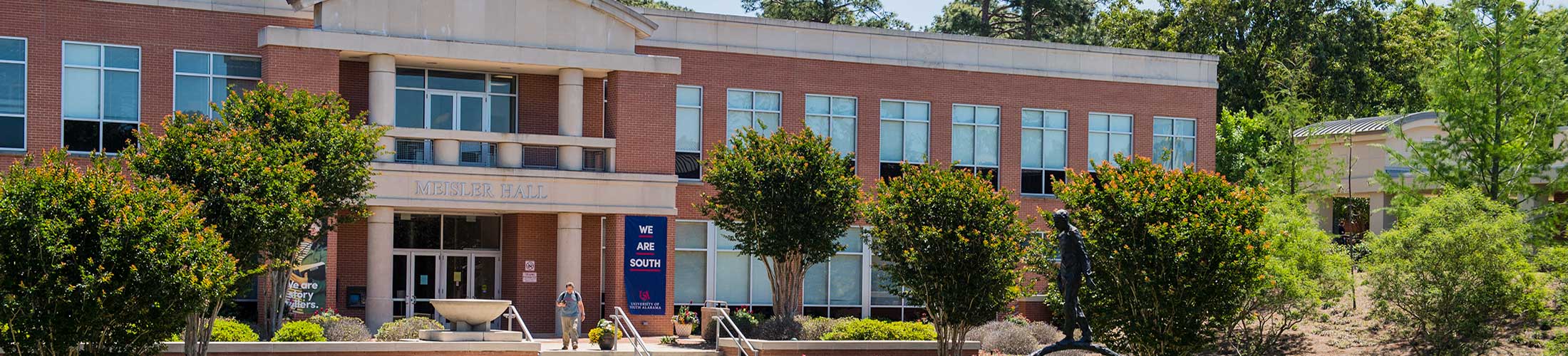
The readmission application must be completed, signed and returned to the Registrar’s Office, Meisler Hall, Suite 1100, Mobile, Alabama 36688-0002. The application may also be faxed to 251-460-7738.

If you wish to make changes to your application information after your application has been submitted, you must complete a Readmission Addendum Form and return it to the Registrar's Office.

The forms are provided in portable document format (pdf). Adobe’s Acrobat Reader is required to view and print the form. If you do not already have Acrobat Reader, click on the link below and download your free copy of Acrobat Reader.

Get Adobe Reader http://www.adobe.com/products/acrobat/readstep2.html

Undergraduate Readmission Form

Graduate Readmission Form


STEP 2

Transcripts

If applicable, it is the student’s responsibility to contact all institutions attended since last enrolled at USA and have official transcripts mailed from those institutions to the Registrar’s Office, Meisler Hall, Suite 1100, Mobile, Alabama 36688-0002.

STEP 3

Notification of Acceptance

Once you have received notification of acceptance to USA, contact your major department to meet with an academic advisor. Click on the following link to view a list of academic advising staff: http://www.southalabama.edu/advising/advisors.html

STEP 4

Prior to registration, check out PAWS to:

  • Create a new PIN #
  • Activate your Jaguar1 Email account
  • Check for any outstanding holds

STEP 5

Registering for your classes on PAWS:

  • Check registration time ticket
  • Register for classes

STEP 6

Tuition and fee payment

  • View amount due on PAWS
  • View payment deadlines at the Office of Student Accounting website

Additional PAWS functions include: Student Services, Financial Aid and Personal Information.

Click here for Registration & Payment Policies

University of South Alabama - Office of the Registrar
Mobile, Alabama 36688-0002 - (251)460-6251
For questions or comments Contact Us
http://www.southalabama.edu/registrar/readmissionapply.htm
Last Update: 2006-11-30
Valid HTML 4.01!Valid CSS!

PAWS