


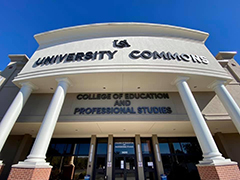


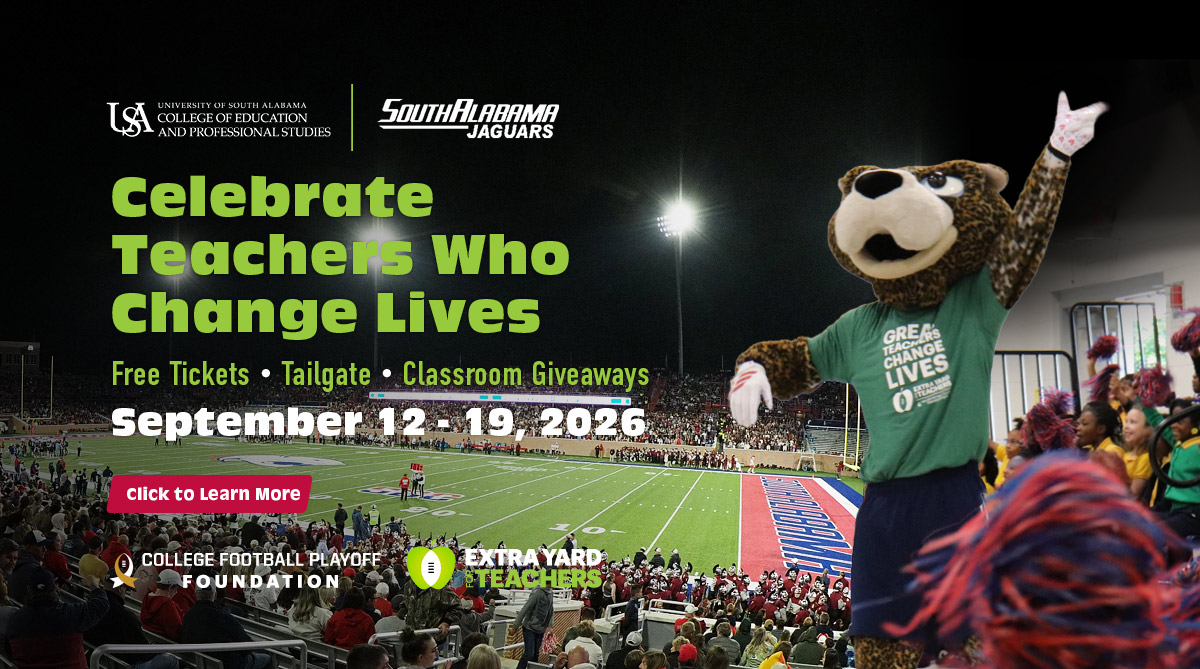
The University of South Alabama's College of Education and Professional Studies, in partnership with South Alabama Athletics and the Sun Belt Conference, celebrates educators whose dedication transforms lives every day. Learn More
Latest News
 South Surprises Fonde Elementary During Extra Yard for Teachers
Wednesday - September 16, 2026
South celebrated Fonde Elementary educators with a pep rally, a $1,000 school award and a $100 classroom supply award...
Read more
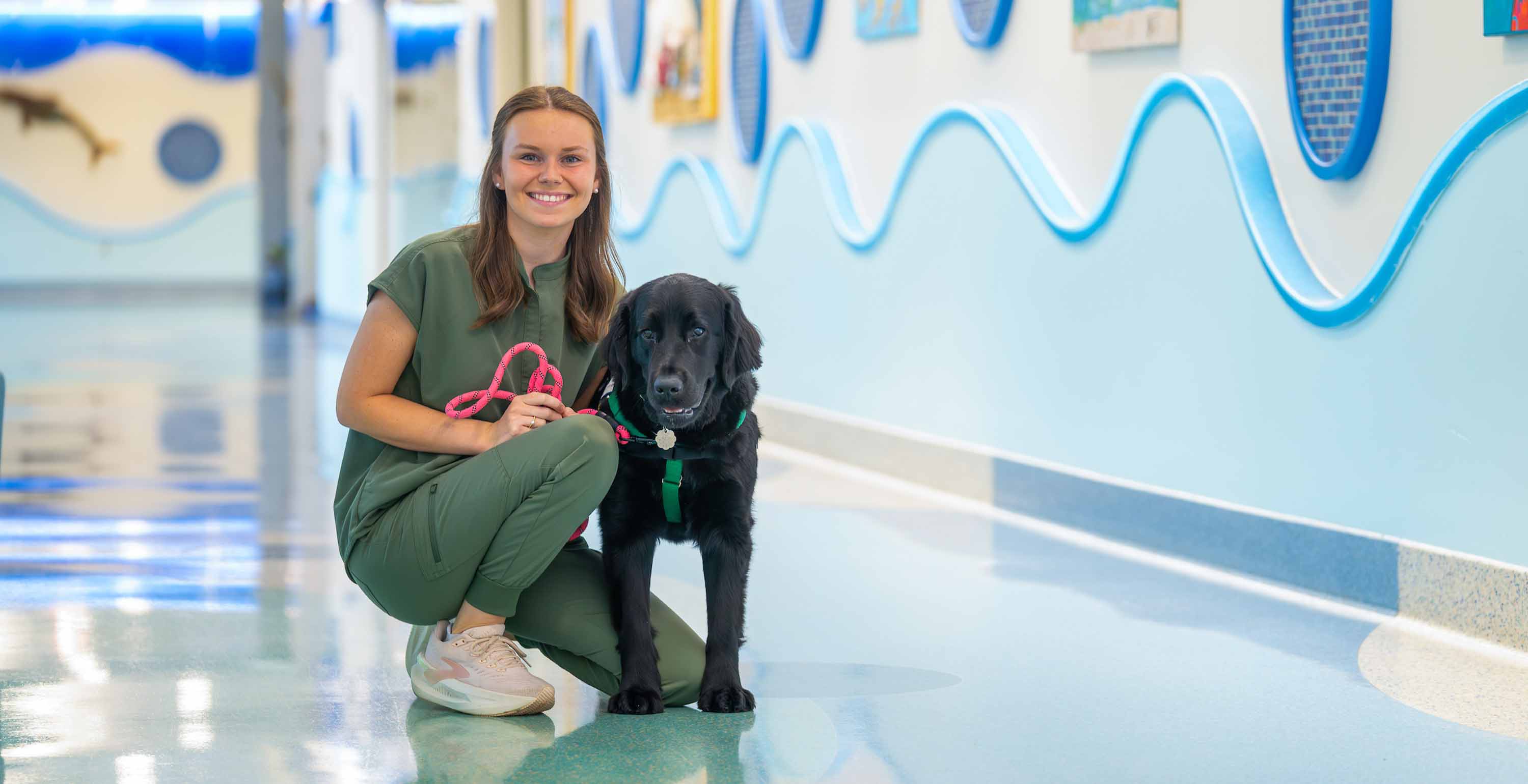 The Science of Comfort and Play
Thursday - September 3, 2026
At USA Health Children's & Women's Hospital, recreational therapy looks a little different for recent graduate Emma...
Read more
 South Alabama to Celebrate Educators During Extra Yard for Teachers Week
Wednesday - August 26, 2026
The University of South Alabama College of Education and Professional Studies, in partnership with South Alabama...
Read more