


The departments of instruction in the Covey College of Allied Health Professions include Biomedical Sciences, Emergency Medical Services, Occupational Therapy, Physician Assistant Studies, Physical Therapy, Radiologic Sciences, and Speech Pathology and Audiology. The college offers certificate programs, undergraduate programs, and graduate programs. Covey College of Allied Health Professions is dedicated to the provision of the highest quality in basic medical sciences and health professional education to meet healthcare needs and to contribute to new knowledge through research. The allied health programs vary in specialization and are either clinical or non-clinical in nature.


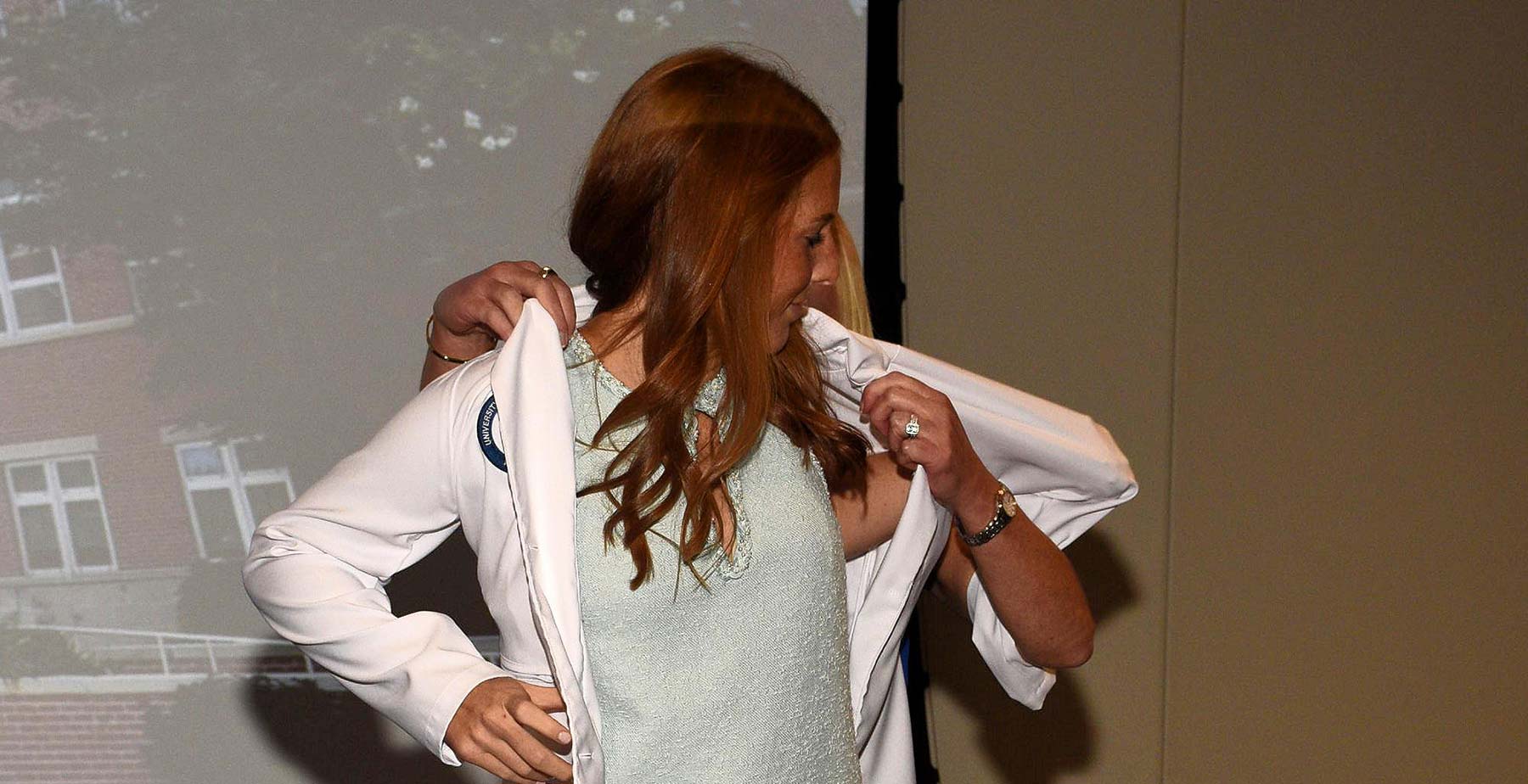 A Homecoming White Coat
 Three Covey College Faculty Members Selected as LevelUP Fellows
 Healthcare Summer Camp Helps Student Find Path to Radiologic Sciences
To view open faculty positions for Allied Health, go to Academic Affairs Available Faculty Positions.
Take a virtual tour of the College of Allied Health Professions Departments.