
Web Services


Web Services, a division of the Computer Services Center (CSC), is responsible for
the development and maintenance of the University of South Alabama's webpages. The
team offers a variety of services, including website development, hosting, SEO, accessibility,
web quality assurance and analytics, content layout, CMS integration, training, and
web publishing support.
Tips for Webmasters
 Choosing the Right Image Format for the Web: JPG vs. WebP
Thursday - October 16, 2025
Choosing the Right Image Format for the Web: JPG vs. WebP
Read more
 Tips for Writing Alternative Descriptions for Images
Thursday - July 21, 2022
Images are an important part of your website. Using images effectively on your site can drive engagement and improve the user experience.
Read more
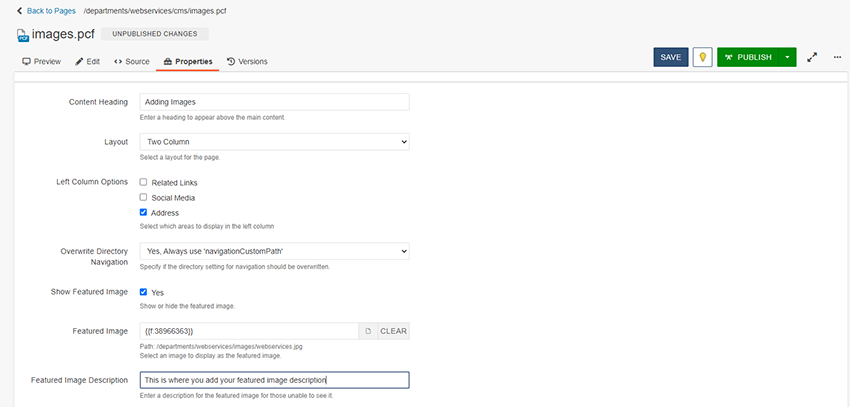 How to Correctly Add a Featured Image
Thursday - July 21, 2022
How to Correctly Add a Featured Image in the content management system.
Read more